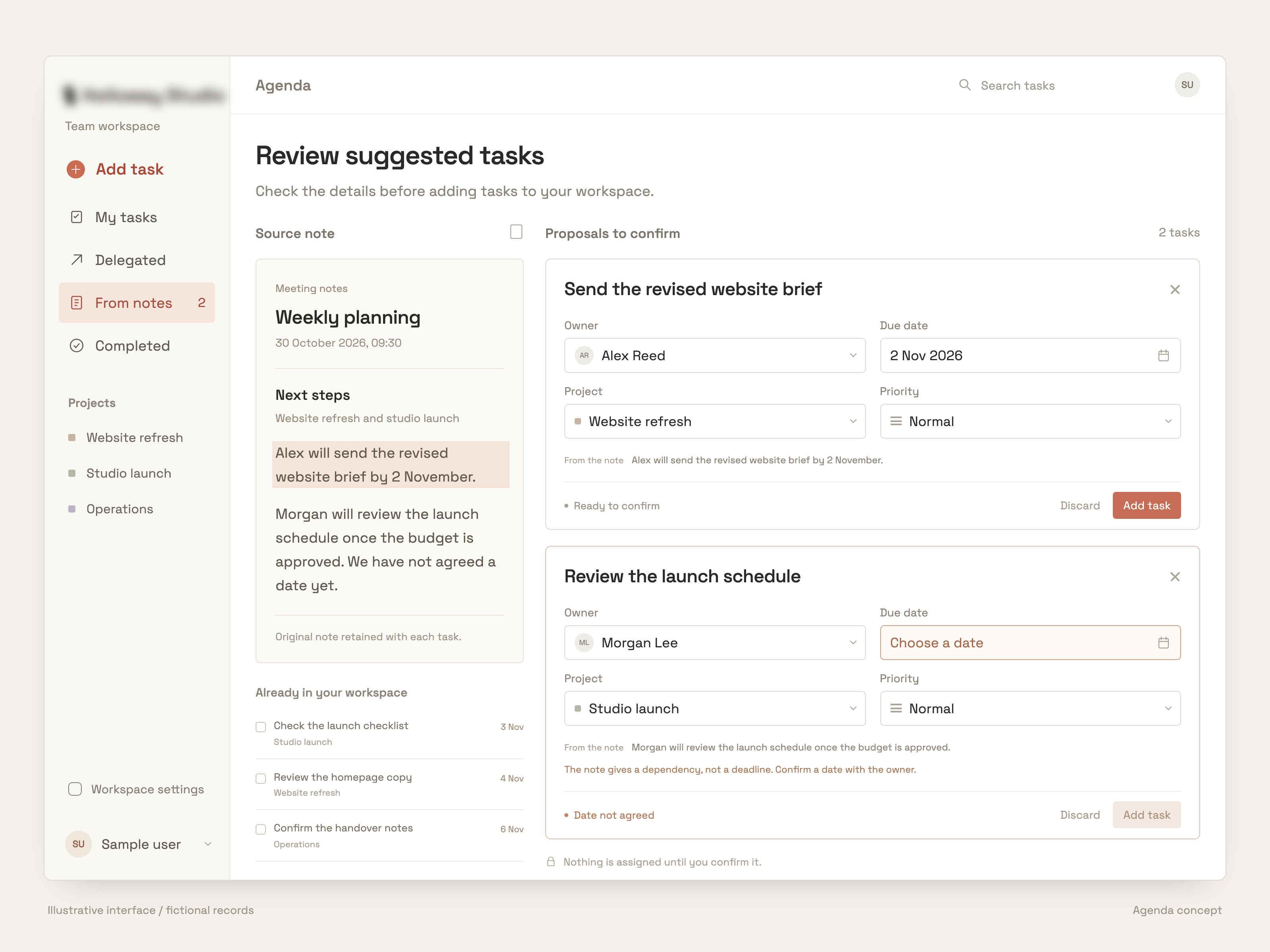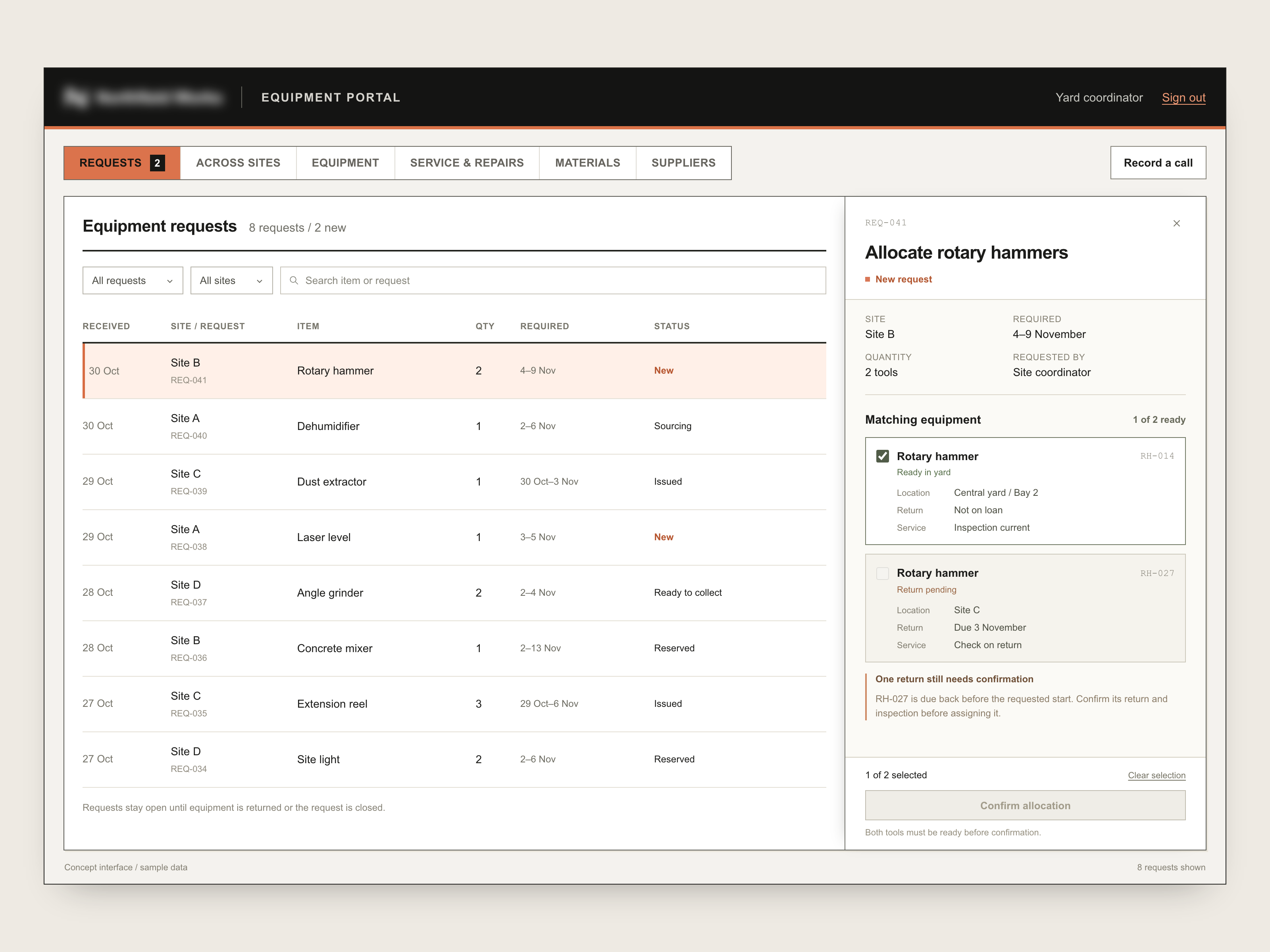
Compare every line before choosing a supplier
The case
When you ask three suppliers for a price, you get three different documents back: a PDF, a spreadsheet, a quote in their own layout. Before you can compare them, someone has to line up every item by hand and check what's missing. It's slow, and it's easy to miss that a "cheaper" offer simply left something out.
How we solved it
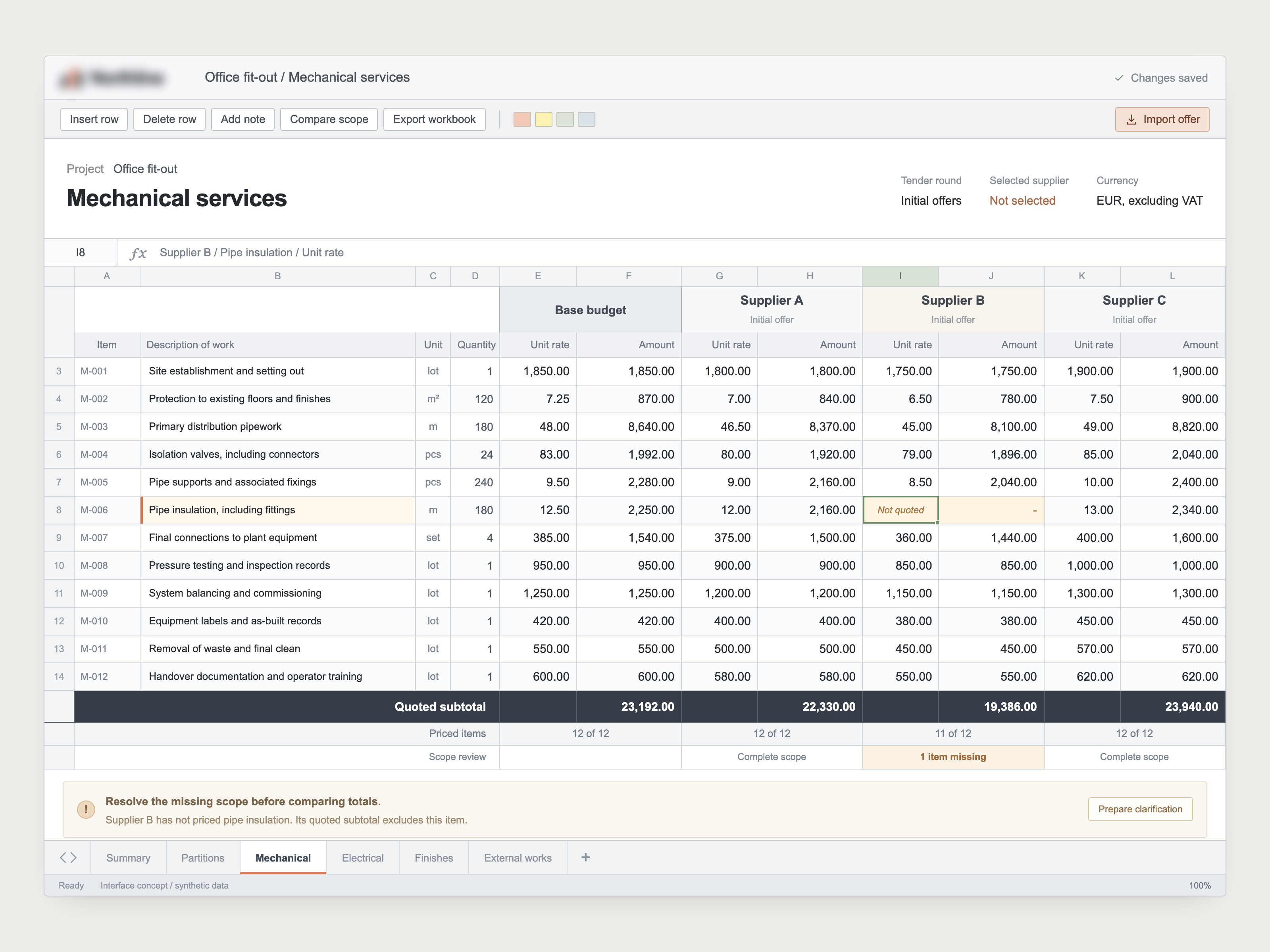
We built software that reads supported supplier PDFs and spreadsheets, flags unclear items, and puts them side by side in one comparison sheet. Item by item, you see what each supplier charges.
An example. Three suppliers quote for fitting out an office. Supplier B looks cheapest, but they left one item without a price. The software spots that gap, marks it, and adds a note to ask Supplier B about it. Their total is clearly shown as incomplete, so nobody picks them by mistake.
Every line in the comparison links back to the original quote, so you can check it yourself in one click.
Suppliers describe the same thing in different ways: "office chair, ergonomic" and "task chair" might be the same item. The software recognises that, like an experienced buyer would.
You stay in control. When the software isn't sure two items match, it asks your buyer to confirm. It never fills in a missing price, and the final choice is always yours.
What it works with
- Supplier quotes as PDFs or spreadsheets
- The list of what you asked for
- Your own comparison template, if you have one
Currencies, units and anything a supplier excluded are checked before totals are compared.
Shown here in anonymized form. The software we build belongs to our clients, so we never publish their versions, names or data.
Where could this fit in your business?
Start with a scan of the work your team repeats.